

For gamers, the Xbox console represents more than just a device; it’s a gateway to immersive worlds and thrilling adventures. However, like any electronic device, Xbox consoles can encounter issues over time. Understanding the Xbox warranty is crucial for players who want to protect their investment and ensure seamless gaming experiences.
Navigating warranty terms can feel overwhelming, especially with various models and coverage options. Knowing what’s included and how to claim warranty services can save time and money. This article dives into the essentials of Xbox warranty, helping gamers make informed decisions and keep their consoles in top shape.
Overview Of Xbox Warranty
The Xbox warranty covers repairs and replacement for manufacturing defects and hardware failures. This protection typically lasts for one year from the date of purchase, though some models may offer additional coverage. Warranty terms vary depending on the console model, such as the Xbox Series X, Xbox One, and Xbox Series S.
The Xbox warranty does not cover damage caused by accidents, misuse, or unauthorized modifications. Gamers must retain their original purchase receipts to validate warranty claims. It’s crucial to register the console online to facilitate the claims process.
To claim warranty services, players can visit the official Xbox support website. The website provides guidance on submitting service requests, detailing steps for packing and shipping the console for repairs. Service requests require information about the issue and the console’s serial number.
Understanding these details helps players protect their investment and ensures smooth maintenance of their gaming experiences.
Types Of Xbox Warranty
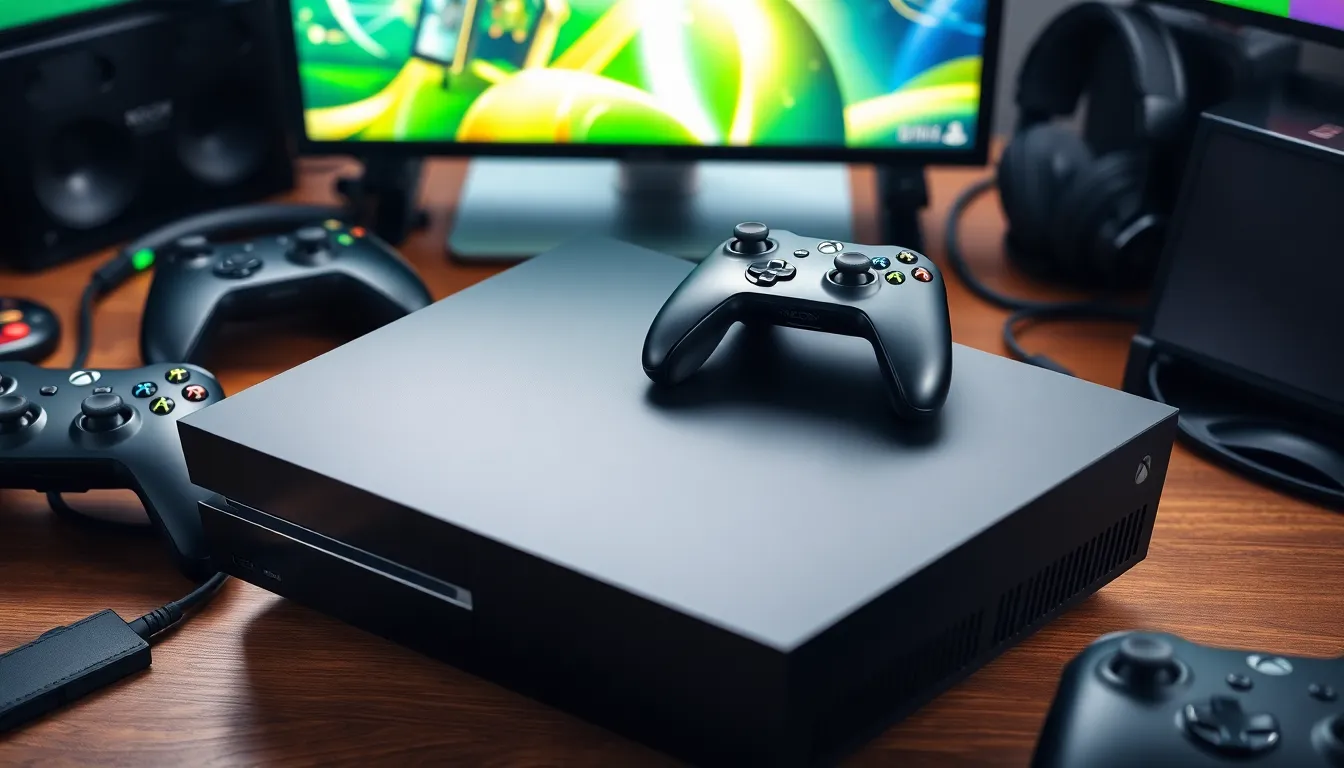
Understanding the various types of Xbox warranty helps gamers navigate their coverage options and make informed decisions regarding their consoles.
Standard Warranty
The standard warranty for Xbox consoles typically lasts one year from the purchase date. This warranty covers manufacturing defects and hardware failures, offering repairs or replacements at no charge. To qualify for service, gamers must retain their original purchase receipts as proof of purchase. Damage resulting from accidents, misuse, or unauthorized modifications isn’t covered under this warranty.
Extended Warranty
The extended warranty provides additional coverage beyond the standard one-year period, often extending up to three years. This option usually requires purchasing a protection plan at the time of console purchase or through the Xbox website. Extended warranties cover manufacturing defects similar to the standard warranty while expanding repair options, making it easier for gamers to maintain their consoles. Players can compare different plans, evaluating coverage details and cost, to choose the most suitable option for their needs.
What Is Covered By Xbox Warranty
The Xbox warranty provides coverage for certain issues that may arise with consoles. Understanding what’s included helps gamers navigate the warranty process effectively.
Hardware Failures
Hardware failures encompassed by the Xbox warranty typically involve defects related to manufacturing. This includes issues like hard drive malfunctions, disc drive failures, and controller connectivity problems. For these hardware failures to qualify for warranty service, they must occur under normal usage conditions. Gamers must ensure they have retained their original purchase receipts as proof for warranty claims. Documentation confirms the console’s eligibility for repair or replacement.
Software Issues
Software issues that arise due to manufacturing defects may also be covered under the Xbox warranty. These can include system crashes, failure to update, or issues with pre-installed games. Gamers experiencing these software problems can seek support through official Xbox channels. Solutions may involve troubleshooting steps or, in some cases, system repairs. However, any software modifications or installations that aren’t authorized could void warranty coverage, emphasizing the need for users to adhere to Xbox guidelines.
How To Check Your Xbox Warranty
Checking your Xbox warranty involves a few straightforward steps. Users can confirm their warranty status by visiting the Xbox support website.
- Sign in to your Microsoft account.
Users must sign in with the account associated with their Xbox console to access warranty information.
- Access the device registration page.
Navigate to the section dedicated to registered devices. This page lists all consoles and accessories linked to the account.
- Locate the warranty details.
Find the specific Xbox console in the list. The warranty status, including expiration dates and coverage details, will appear beside the console information.
- Use the console serial number.
If needed, users can also enter the console’s serial number on the Xbox support site. This serial number is usually found on the console itself or in the system settings under “About”.
- Contact customer support.
For additional assistance, users can contact Xbox customer support. They can provide detailed warranty information and assist with any service requests.
By following these steps, users can effectively verify their Xbox warranty and prepare for any potential support needs.
Claiming Xbox Warranty
Claiming the Xbox warranty involves a straightforward process to ensure timely repairs or replacements for defective consoles. Players must follow specific steps to file a claim effectively.
Steps To File A Claim
- Gather Information: Collect the original purchase receipt and console serial number. This information serves as proof of purchase and helps identify the warranty status.
- Visit Xbox Support: Access the Xbox Support website to initiate the warranty claim process. This platform offers clear guidance and resources.
- Select Service Request: Navigate to the service request section and choose the appropriate option related to your console’s issue. It may involve selecting hardware or software concerns.
- Complete the Form: Fill out the online form with required details, including personal information and a description of the issue. Accuracy here speeds up processing.
- Follow Instructions: After submitting the request, follow any instructions for packing and shipping the console. This might include specific packing materials to protect the device during transit.
What To Expect During The Process
Players can expect clear communication from Xbox during the warranty claim process. Once the claim is submitted:
- Initial Confirmation: Expect a confirmation email outlining the next steps and details of your request.
- Assessment Timeline: Generally, the assessment of the console’s issue occurs within a few days after arrival at the service center. Xbox aims to provide quick resolutions.
- Repair or Replacement Options: Depending on the assessment, Xbox may offer repair services or replace the console entirely if the defect is covered under warranty.
- Return Shipping: After completing the repairs or processing the replacement, the console gets shipped back, accompanied by tracking information.
This structured approach allows players to navigate the warranty claims process effectively, minimizing disruptions to their gaming experience.
Understanding the Xbox warranty is essential for gamers who want to protect their investment. By knowing the terms and conditions of both standard and extended warranties players can ensure their consoles remain in optimal condition. It’s crucial to keep purchase receipts and register consoles online to streamline the claims process.
With the right knowledge and preparation gamers can navigate potential issues with confidence. Whether facing hardware failures or software glitches knowing how to access warranty services can make all the difference in maintaining a seamless gaming experience. Staying informed about warranty coverage empowers players to enjoy their gaming adventures without unnecessary interruptions.


